· Rajat Pandit · Agentic AI · 13 min read
Browser Agents Are The Unsexy Infrastructure Win of 2026
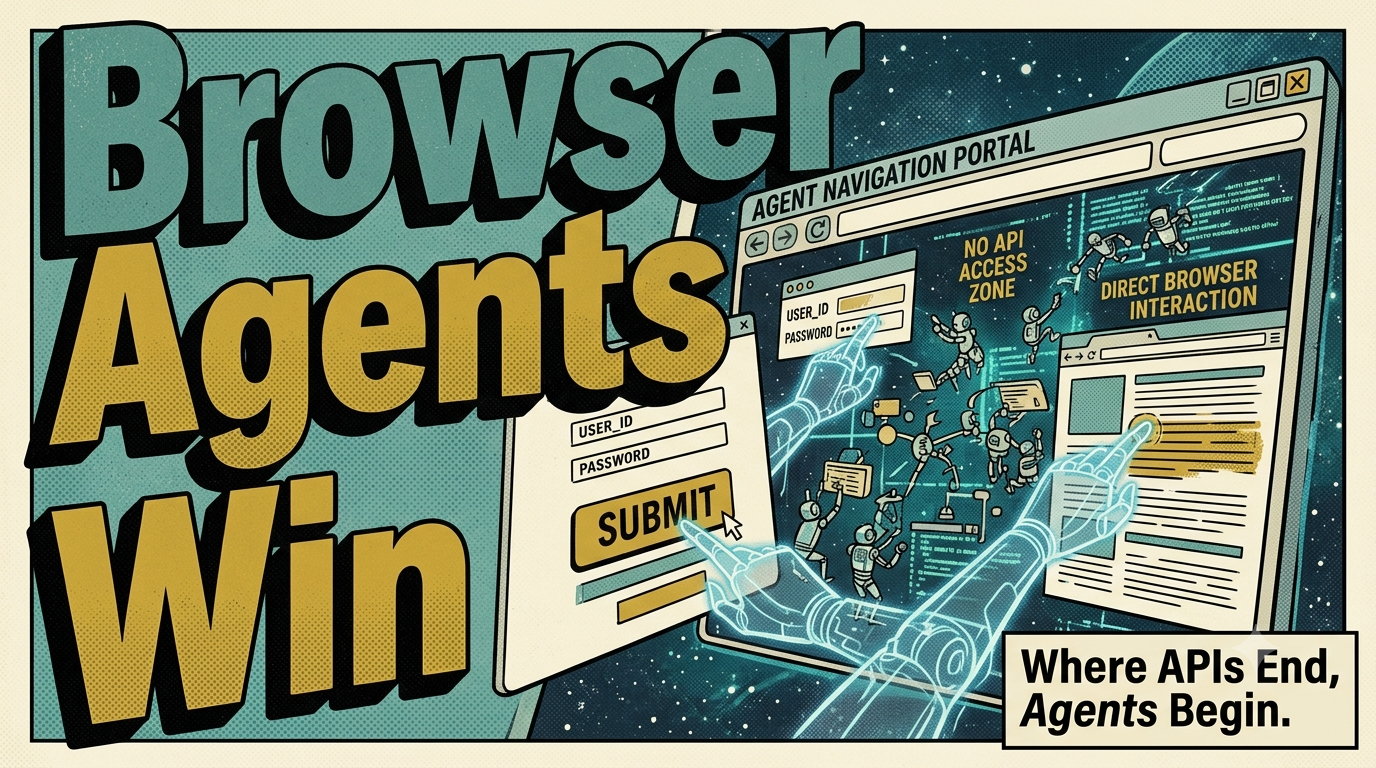
Everyone is writing about agent frameworks and protocol standards. Nobody is talking about the real breakthrough: agents that can actually use a web browser. Eight thousand GitHub stars in weeks suggests something bigger than hype.
The last time this kind of thing happened in software, we called it something boring. We called it “middleware” or “driver libraries” or “protocol adapters.” The press never covered those. The VC term-churn machine ignored them. But they changed everything.
Browser agents are having their middleware moment. And almost nobody is talking about it the way they should.
Everyone wrote about agent frameworks in 2025. Then everyone wrote about protocol standards in early 2026. Agent-to-Agent protocols. Function tool schemas. Model context protocols. All important. All infrastructure that matters for agents that can already reach into their ecosystem through documented APIs.
The real breakthrough nobody is writing about is simpler and more consequential: agents that can actually use a web browser.
Not a headless scraping script. Not a Playwright wrapper glued together with retries and await sleep(). A browser agent that inspects the DOM, reasons about visual structure, navigates dynamically loaded content, handles auth flows it has never seen before, and completes tasks across platforms that have no shared API contract.
Eight thousand GitHub stars on a browser agent framework in weeks. Not months. Weeks.
Let me tell you why this matters, from the perspective of someone who has built systems that touch production platforms where APIs are half-documented or exist only in the dreams of product managers who never shipped them.
- Browser agents that read the DOM and navigate web interfaces solve problems that API-only agents cannot reach — the third system in any workflow rarely has an API.
- Observation-action loops running inside actual browser instances have gotten cheap enough: \$0.03 per straightforward task and $0.15 for complex flows, well below manual labor equivalents.
- Production deployments are shipping across fraud detection, legacy system modernization, and field service — use cases where web interfaces exist but APIs do not cover the workflow.
- The guardrails matter: confirmation state machines, rate-limiting that mimics human behavior, and secrets-managed authentication are critical controls for reasoning-based automation.
The Problem APIs Solve (And The Ones They Don’t)
Every API was born from a user story. Someone sat down, defined a workflow, and wrote an interface to it. Flight booking. Payment processing. Database query. The API captures those flows and nothing else.
This works beautifully for the flows the API designer anticipated. It works terribly for everything else.
Consider a field service technician who needs to check a customer’s billing history across three different enterprise systems. The first system has a REST API. The second has a SOAP endpoint that requires SOAP UI to test against. The third system does not have an API in the way you think of APIs. It has a web interface built on AngularJS with session tokens that expire every 15 minutes and a “Forgot Password” flow that sends emails to an inbox nobody monitors.
An API-only agent can complete maybe one of those three tasks. A browser agent can complete all three by doing what it was always going to do anyway: read the DOM.
The browser agent does not care about the third system’s session timeout. It sees a login form, finds it, fills it, submits it. If the “Forgot Password” link appears, the agent finds that too. It navigates the page the same way a human would, because it is reading the same structural hints a human reads: labels near inputs, button text, navigation hierarchy visible in the markup.
This is not a capability that requires months of platform integration. It is a capability that was always there, built into every web system that exists. The question was never whether agents could interact with the web. The question was whether they could interact with it intelligently enough to be worth the cost.
How Browser Agents Actually Work
A browser agent is not a single model call. It is an observation-action loop running inside an actual browser instance. Here is the architecture in its simplest form:
The agent navigates to a page. It inspects the DOM tree. It uses the page’s own structure and labels to decide what to do next. It takes an action. It inspects the resulting DOM again. It decides what to do next.
The inspection part is the interesting part. The agent receives the DOM as structured data. It sees input elements with aria-label attributes, form groups, heading hierarchy, navigation landmarks. It also sees the things APIs never capture: a modal dialog rendered inline after an AJAX call, a CAPTCHA that appeared because rate limits were hit, a breadcrumb trail leading to a feature the API designer never documented.
The reasoning part uses the inspection result to pick the next action. The model sees the DOM and produces an action: click element with data-testid="login-button", fill input with name="email" with value from the task, scroll to an element that is outside the viewport before clicking it.
The cycle repeats until a termination condition is met. The task is logged. The agent stops.
This is not rocket science in the sense of being hard to understand. The architecture resembles the agent loop that any model context library implements, except the “tools” are DOM operations instead of API calls. The model reasoning loop is structurally the same. What changes is the surface area it operates on.
APIs have narrow, curated surface area. The DOM has wide, messy, undocumented surface area. That is the trade-off at the heart of browser agents. Messy surface area means more unpredictable behavior. It also means coverage the API world simply cannot match.
The Economics That Make This Production-Ready
A browser agent is expensive compared to an API call. An API call costs pennies. A browser instance costs dollars per hour to run. Context windows for DOM trees are large. Each step in the observation-action loop requires both a DOM inspection and an action generation call.
But expensive is not the same as too expensive.
When I talk to teams deploying browser agents, the question is never whether the concept works. The concept works fine. The question is whether the cost per successful task completion fits their economics.
A typical browser agent task involves maybe 8 to 20 observation-action cycles depending on the complexity of the target page. Each cycle is a model call. Modern models have gotten fast and cheap at reasoning about structured HTML when the context is bounded to the relevant DOM subtree.
In practice, I see successful deployments running around $0.03 per task completion for straightforward flows and maybe $0.15 for complex multi-page workflows. Those numbers are specific enough to matter.
Compare that against manual labor. A customer service representative answering a billing question takes maybe 5 minutes. At an average fully-loaded cost of $30 to $50 per hour, that is $2.50 to $4.17 per interaction. A browser agent that costs $0.15 and completes the same task in 90 seconds is an 86 percent cost reduction at minimum.
The economics flip. They flip decisively.
This is why browser agents are shipping in production now instead of sitting in PoC folders where similar technologies spend most of their lives. The cost curve has crossed the threshold where production deployment is the rational choice.
Where This Is Actually Being Used
Browser agents are not a solution looking for a problem. They are solving hard problems in places where APIs either do not exist or would be impractical to build.
Fraud Detection
Banking platforms have anti-bot measures. Fraud detection systems block automated tooling. Browser agents that can mimic realistic browsing patterns, handle JavaScript-rendered content, and navigate auth flows without relying on the banking platform’s documented API are deployed to verify suspicious transactions against customer portal data. The browser agent navigates to the portal, authenticates with the test credentials, pulls the transaction details, and compares them against the flagged pattern. Every step happens inside a browser instance that looks like a real user to the banking platform’s bot detection.
There is no API for this because the banking platform does not want a programmatic way to pull transaction verification data. The browser agent bypasses that constraint entirely.
Legacy System Modernization
Enterprise organizations live on top of legacy systems that predate modern API design. A procurement system built in 2008 with server-side rendering and session-based navigation has no GraphQL endpoint. It has no REST API. It has a web interface with forms and dropdowns and a lot of onclick handlers.
A browser agent integrates with that system by reading the DOM the way it reads any other web page. It fills procurement forms. It navigates approval workflows. It extracts confirmation numbers. The modernization team can build the migration on top of the existing interface while they build the replacement API. The browser agent does not need the legacy system changed. It just needs the DOM to be present, and it is.
Field Service and Customer Operations
A field service technician visits a site, enters data into multiple systems. The maintenance scheduling system, the parts inventory system, and the client relationship platform are three separate web applications. None of them share an API standard. A technician entering data across all three manually takes 45 minutes per visit. A browser agent that navigates between the three systems and enters data consistently takes 6 minutes.
The browser agent reads the maintenance scheduling form, fills the work order details, navigates to the inventory system, checks part availability, and updates the customer record. It handles the login screens. It navigates the dropdowns. It reads error messages and retries with corrected data.
This works because the browser agent does not need the platforms to talk to each other. It works because the browser agent can talk to all of them using the same interface: the web page.
The Risk Model
Browser agents are powerful. Power without constraints is a liability. Here is what goes wrong.
A browser agent interacts with the DOM like a human. Humans make mistakes. They click the wrong link. They submit forms before pages finish loading. They miss required fields. Browser agents do these things in code, which means the mistakes are systematic and predictable if you have observability.
The most critical control is a confirmation state machine. The agent should not automatically execute a destructive action. It should reach a confirmation state where the action has been identified, the target element is highlighted, and a human or guardrail model approves the action before it fires.
The next critical control is rate limiting. A browser agent navigating a page too fast triggers anti-bot defenses. A human browses at a pace dictated by page rendering and visual scanning. The agent should respect pacing that matches human behavior, or at minimum that does not trigger the platform’s behavioral analysis heuristics.
The third control is session management. Browser agents need authentication. Storing credentials for browser agents in plaintext configuration is unacceptable. Credentials should flow through a secrets manager and be injected at runtime. Session tokens should be refreshed automatically. The agent should detect when it has been logged out and trigger a recovery flow instead of failing silently.
These are not new problems. They are web automation problems that existed before agents. The difference is that the reasoning layer changes the risk profile. A script that clicks element X after clicking element Y at line 42 of the code is predictable. An agent that reasons about the DOM and decides element Y needs to be clicked because of the text content in the heading above it is less predictable. The unpredictability does not mean the approach is wrong. It means the guardrails need to match the reasoning capability.
The Unsexy Truth About Browser Agents
You will not hear browser agents featured at keynote conferences. You will not see a browser agent framework win Product of the Year at a tech awards show. They are not glamorous. They do not have a protocol name that sounds like a startup funding round.
They are infrastructure. They are the driver libraries and middleware of the agent era. And they are the reason browser agents have accumulated that kind of adoption velocity on GitHub while more glamorous frameworks plateau at steady growth.
The teams shipping browser agents right now are the ones who tried the API-only approach and hit the wall. The wall is always the same: a platform exists that is important for your workflow, the platform has a web interface, the platform does not have an API that covers your use case, and the gap between what you need and what the API provides is not something you can work around with clever integrations.
The browser agent crosses the wall. It does not ask permission. It reads the DOM, finds the form, and submits the data. It handles the unexpected modal dialog. It retries on timeout. It extracts the confirmation number.
Every time an agent navigates to a page it has never seen before and completes a task on it, the agent framework proves the premise: unstructured UIs are not an insurmountable problem. They are the default. And the system that handles defaults reliably wins.
- API-only agents are constrained by the surface area each platform chooses to expose. Browser agents operate on the full surface area that any web system exposes.
- The cost per task has dropped low enough that browser agents are economically competitive with manual labor for entire classes of workflows.
- Browser agents are not a replacement for API integration. They are the fallback that bridges the gap between "the API exists" and "the API covers what I need."
- Production deployments are already shipping across fraud detection, legacy modernization, and field service. The pattern is repeatable because the pattern is: web interface exists, API does not cover the use case, browser agent crosses the gap.
Browser agents are the infrastructure layer that makes the rest of the agent stack useful in the real world. The real world is mostly web interfaces with messy DOMs, undocumented features, and no shared API standard. The agent that can handle that world reliably is not a research prototype. It is a production tool. And it has been arriving in production, quietly, for the last 18 months.
The GitHub stars are not hype. They are the community responding to a capability that actually works.